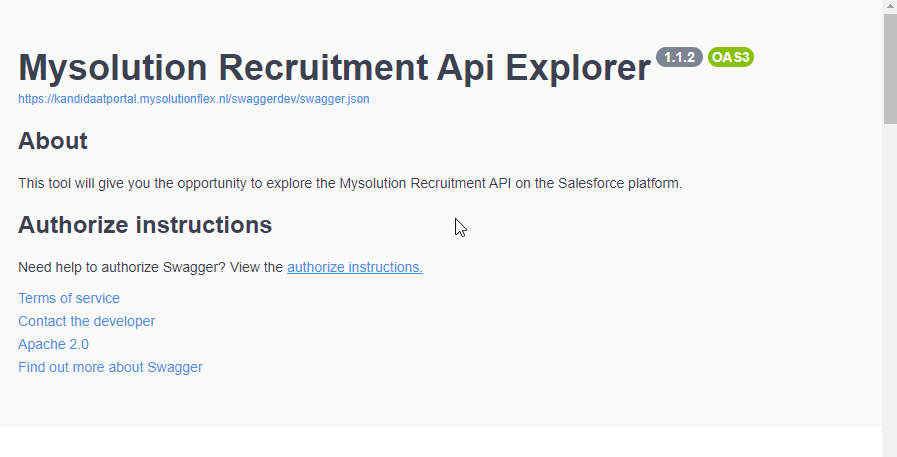
Step 1: Add Callback URL to connected app settings
Go to the App Manager and edit the connected app settings in your org to include the following callback url:
https://swagger.mysolution.nl/oauth2-redirect.html
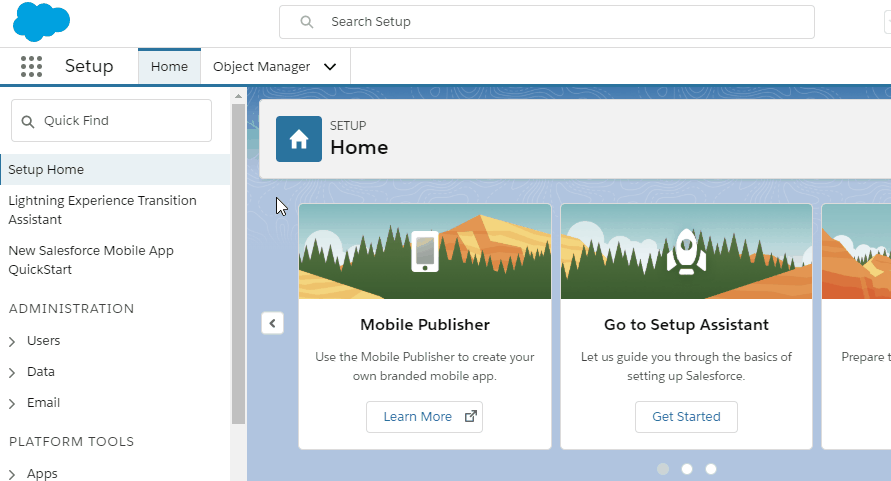
Below you will see the steps on how to authorize the Swagger page with your Salesforce org.
Go to the App Manager and edit the connected app settings in your org to include the following callback url:
https://swagger.mysolution.nl/oauth2-redirect.html
Copy the consumer key you find in the Settings.
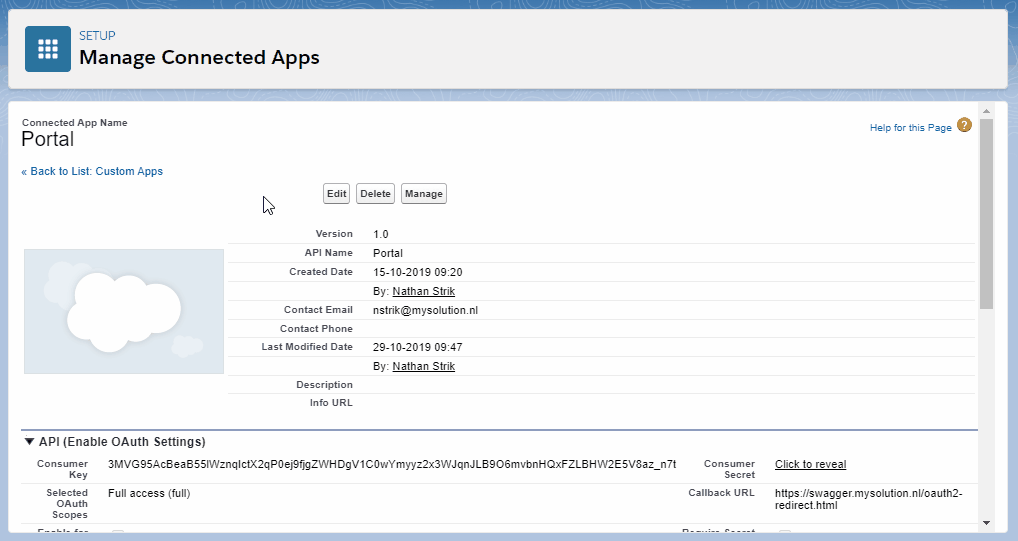
Set the environment to your Salesforce org URL and use the consumer key you copied in the previous step to authorize the Swagger page. Don't forget to change the URL to your org before authorizing!